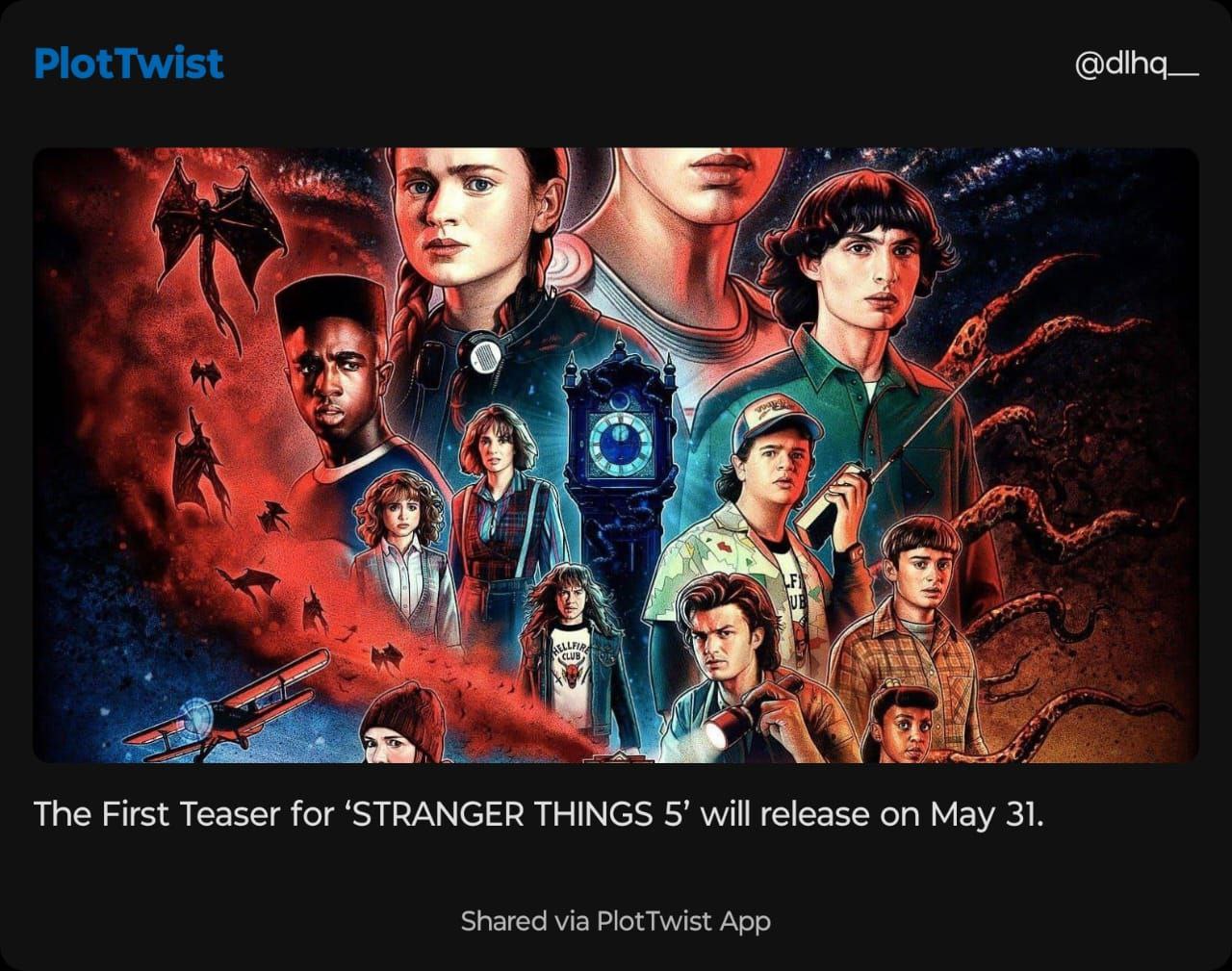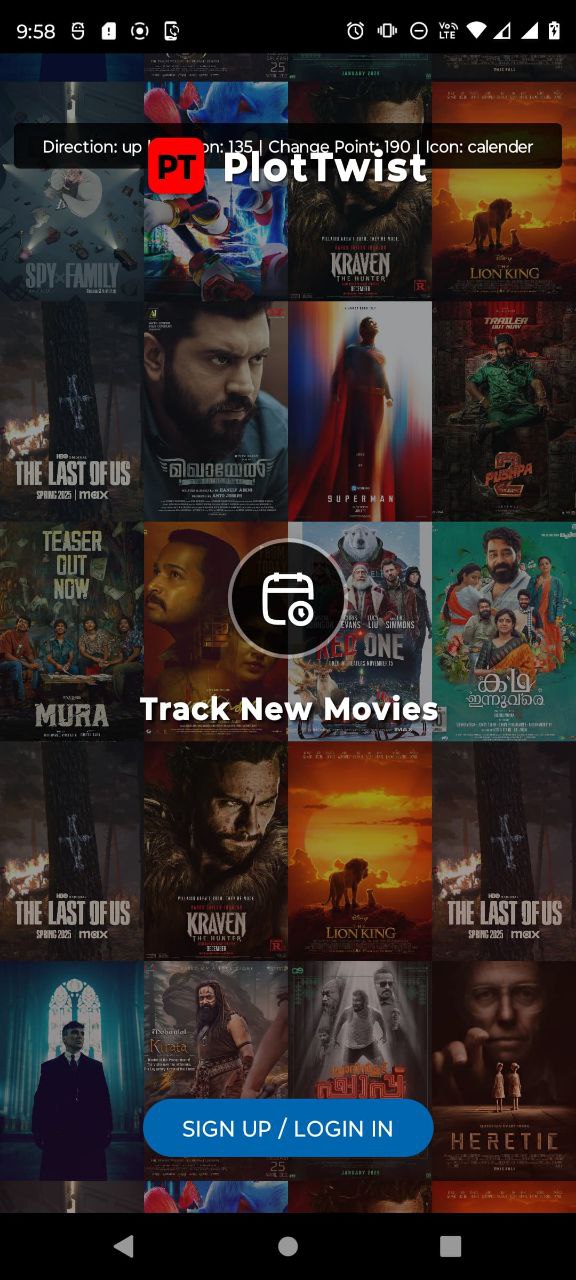
Onboarding Screen
New user comes to the app
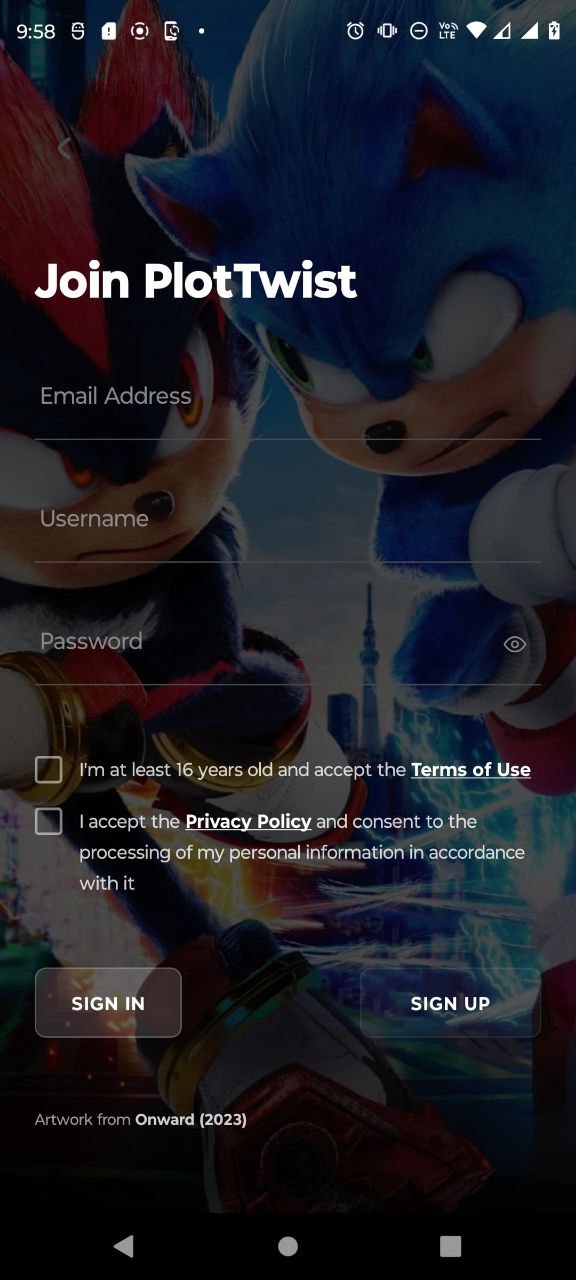
Sign-Up Page
Sign-Up here
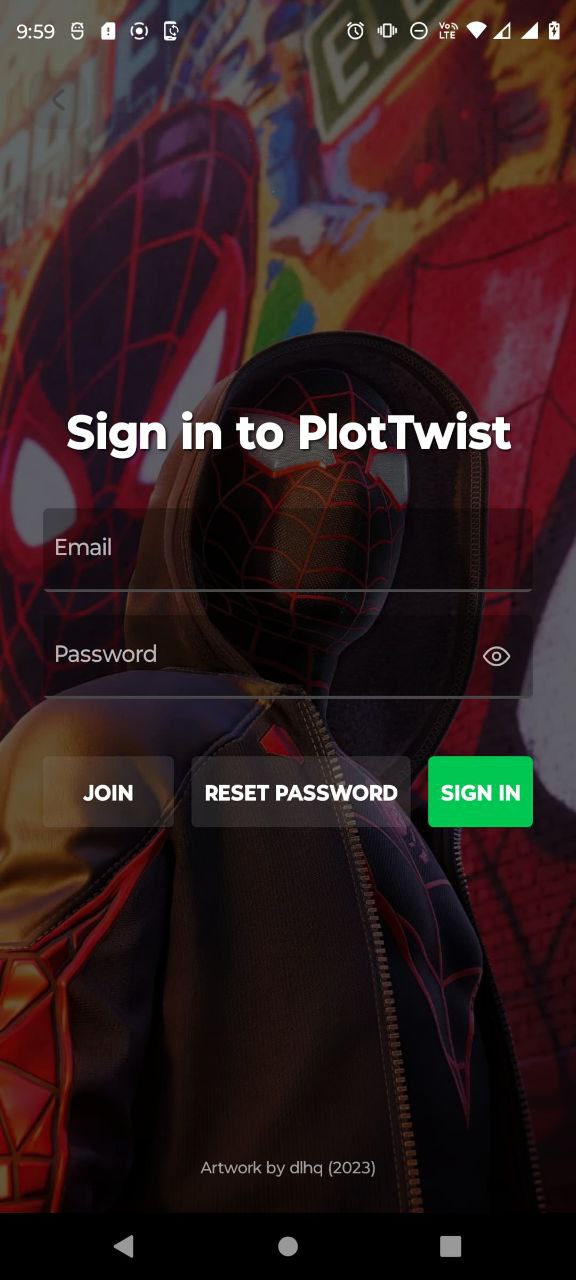
Sign-In Page
Sign-In here
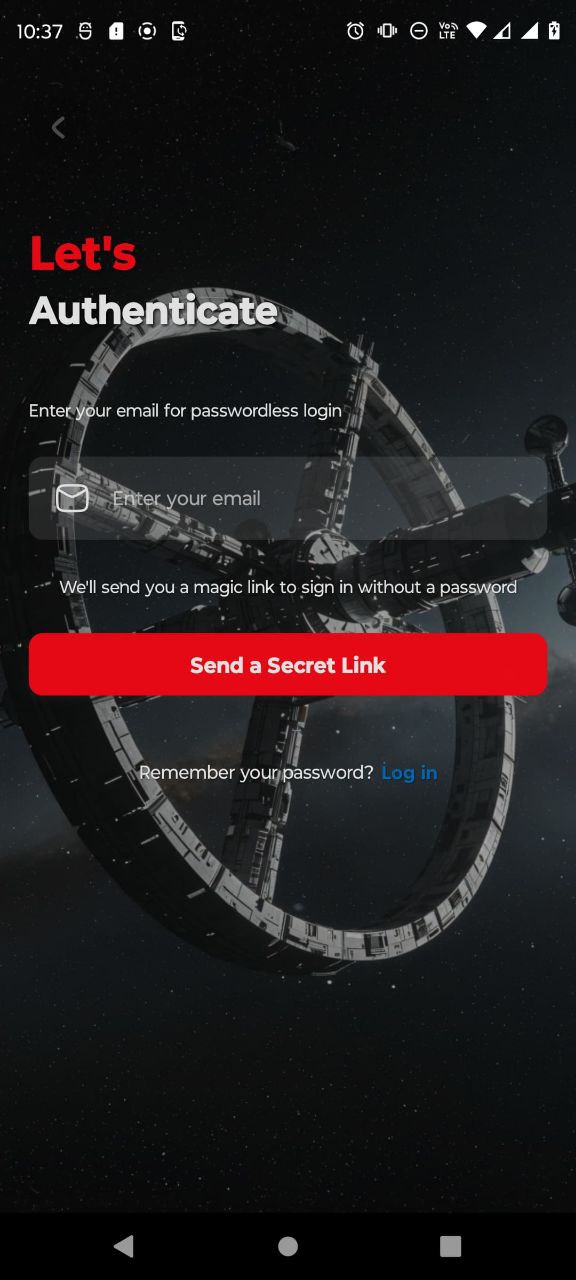
Password reset page
Reset password here
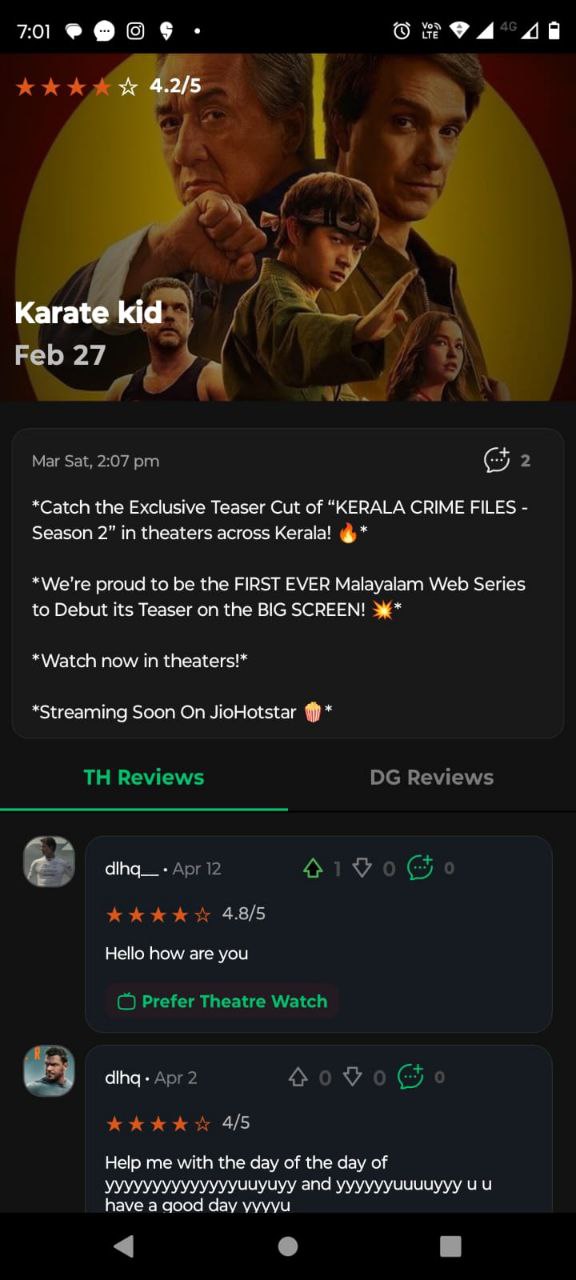
Peoples review page
Peoples review render here
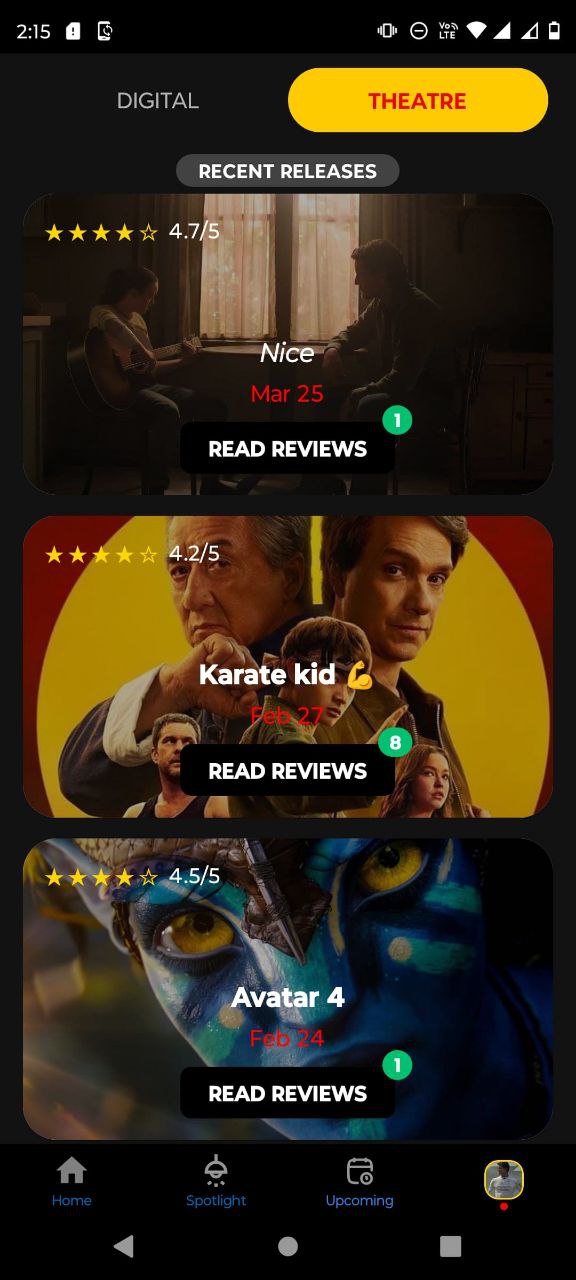
Upcoming page
Theatre and Digital Upcoming page
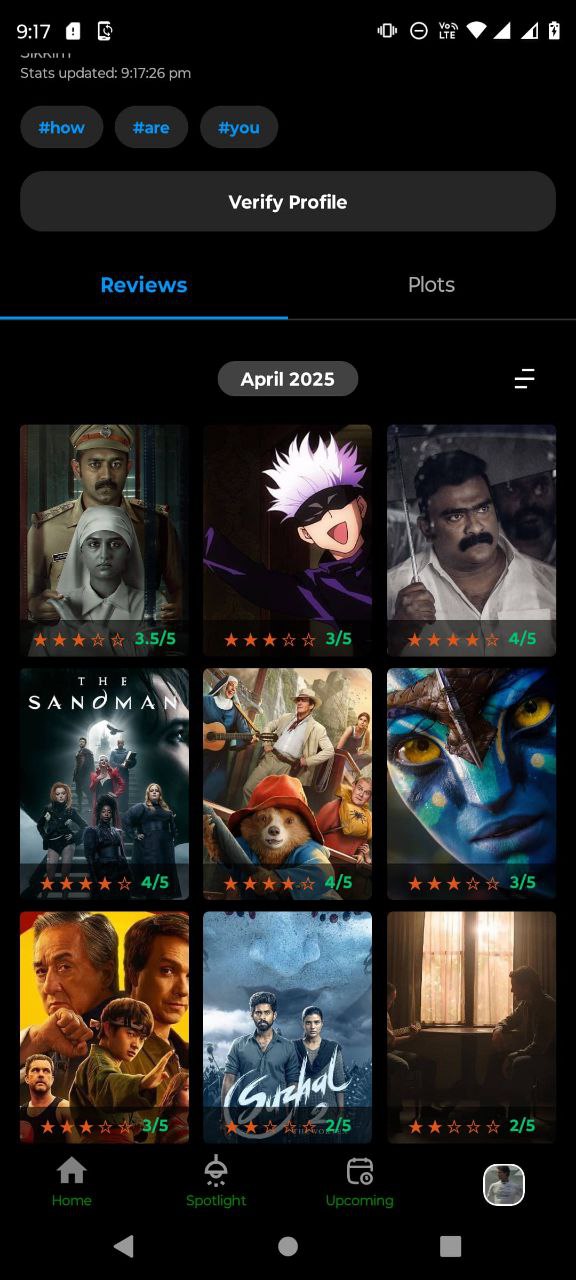
Profile Review grid
Peoples review as grid
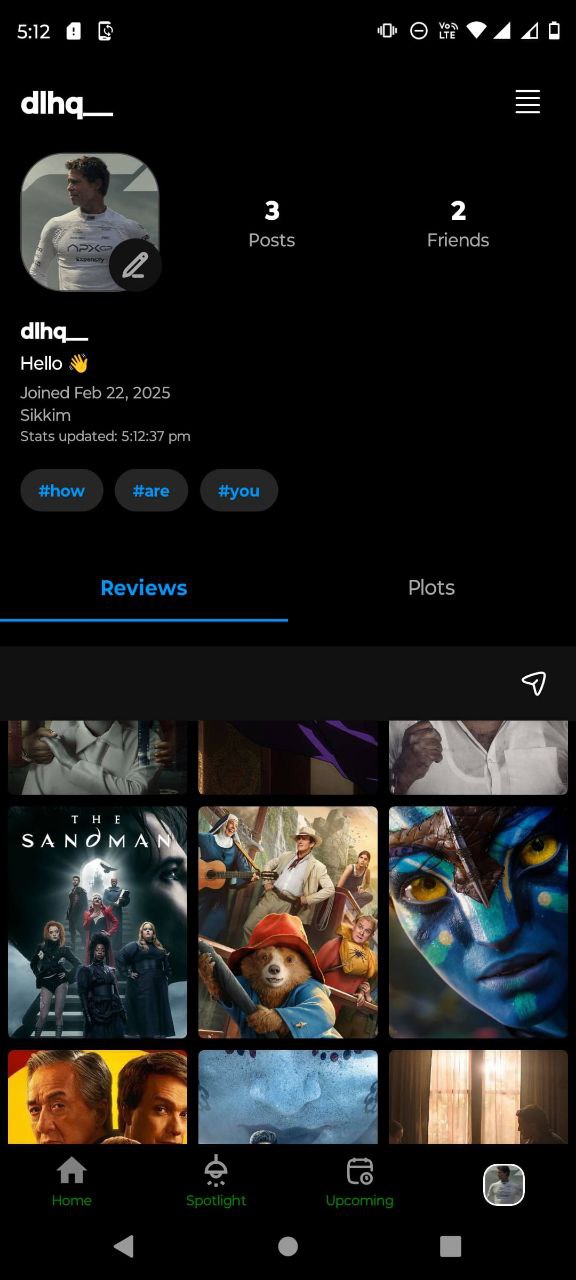
Profile page
Peoples profile shown top
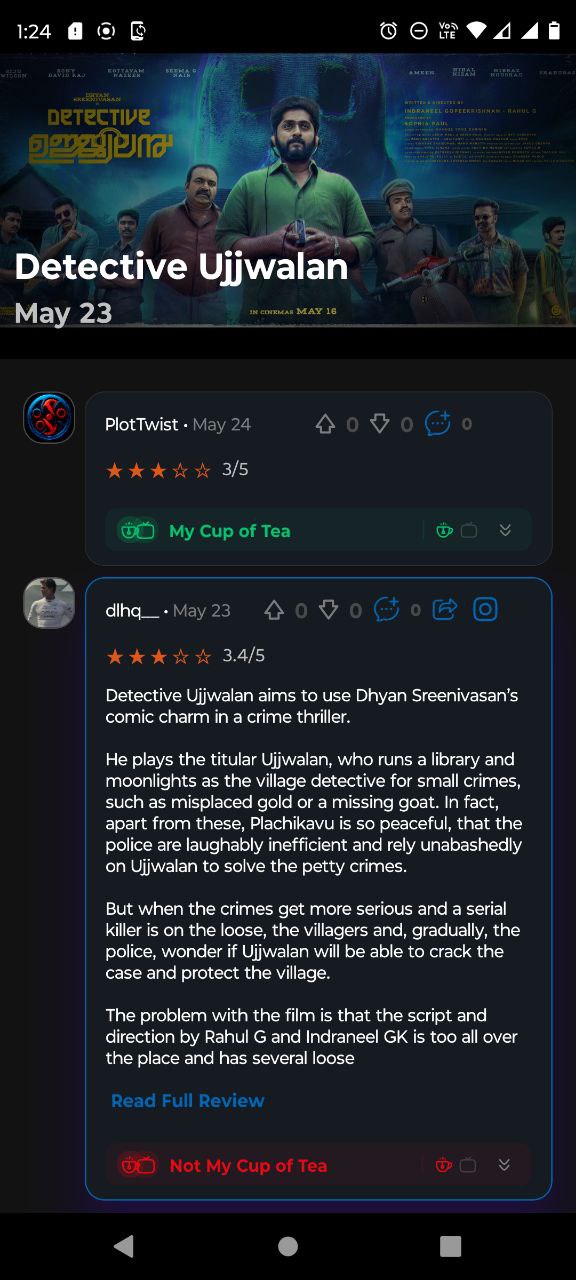
Review page
Profile review page
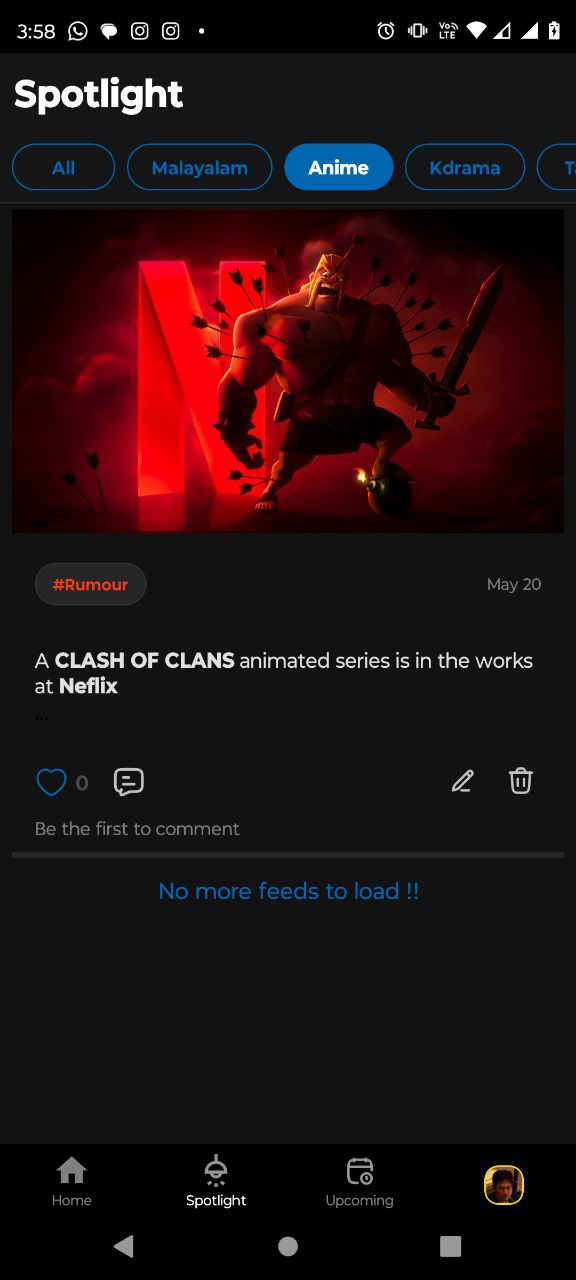
Spotlight page
Spotlight anime filter applied
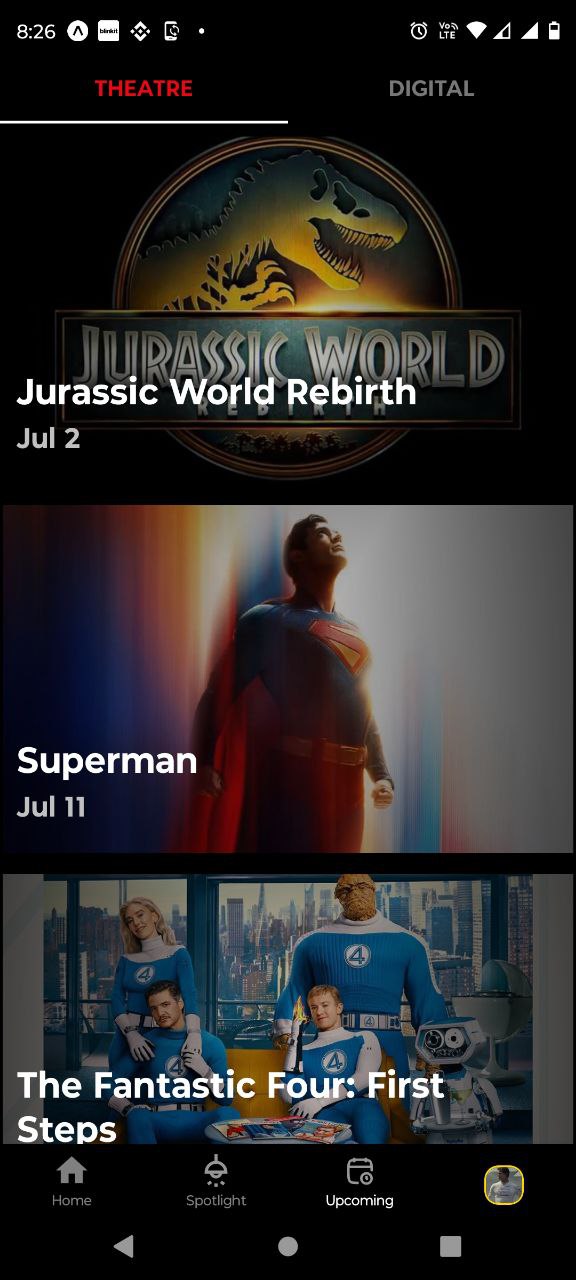
Upcoming page
Upcoming theatre page
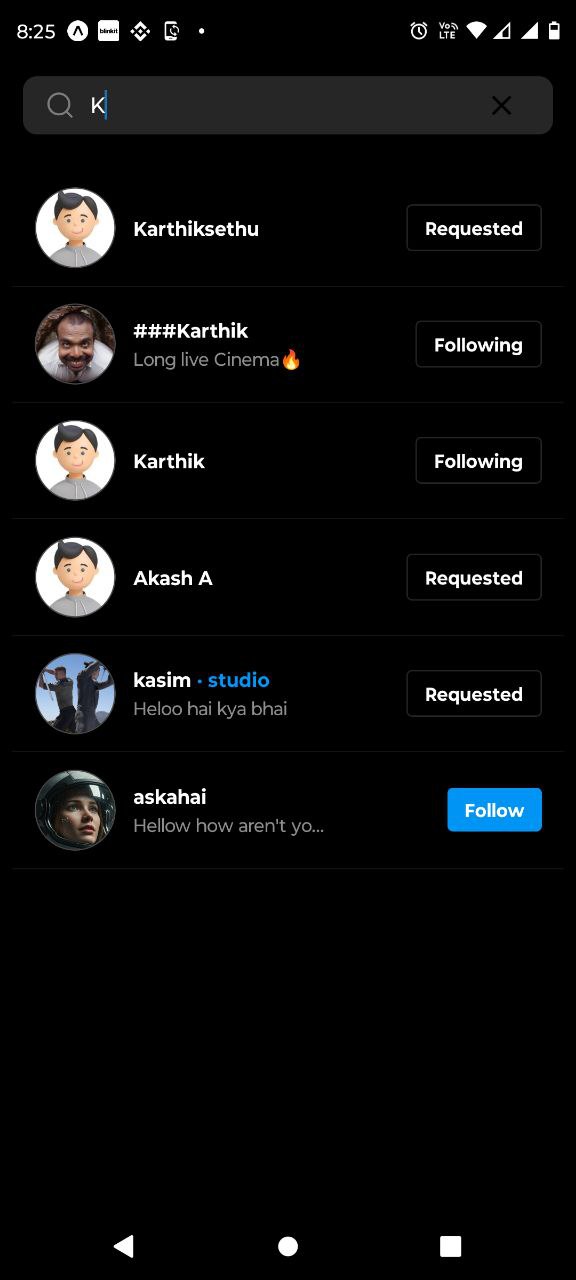
Search User page
People search profile
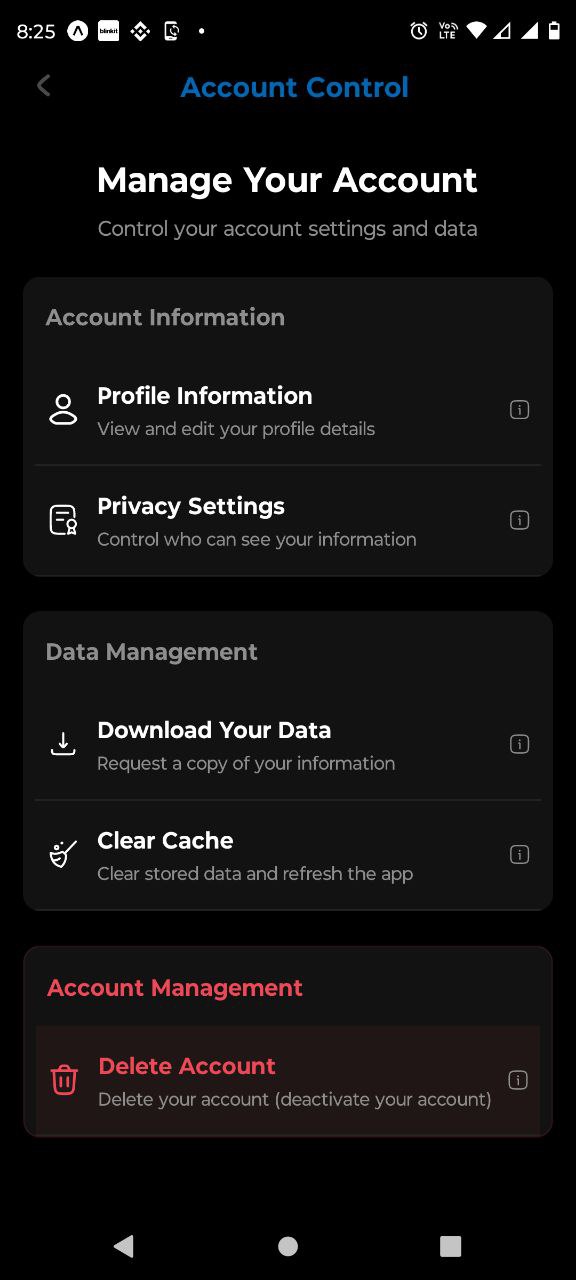
Account Control page
Control settings page
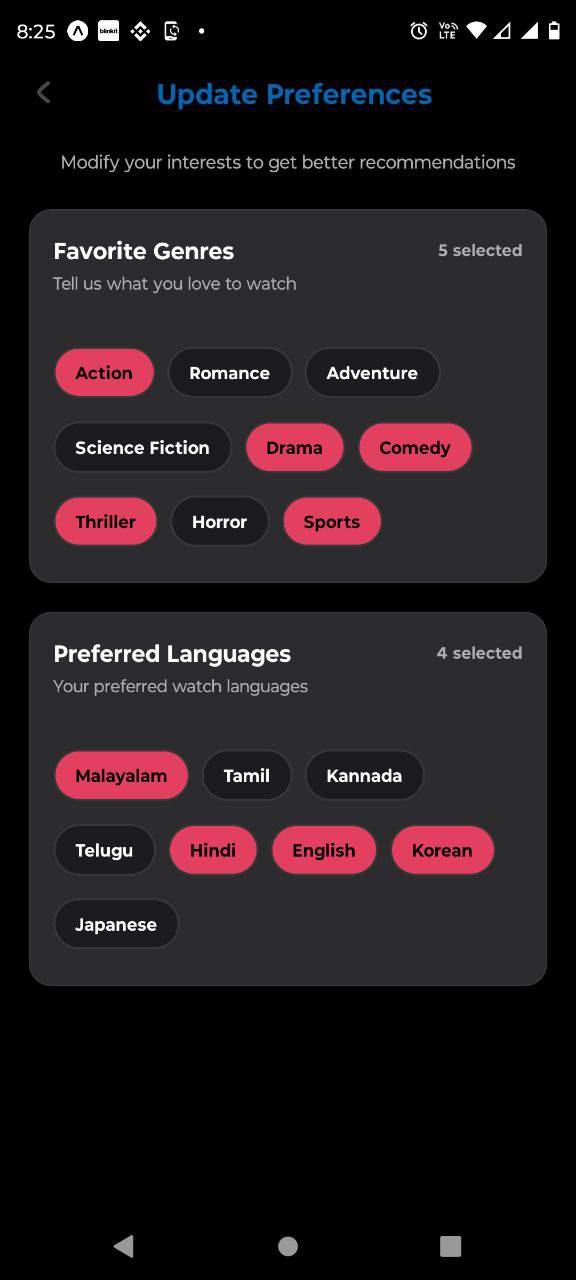
Update preferences page
People update preferences
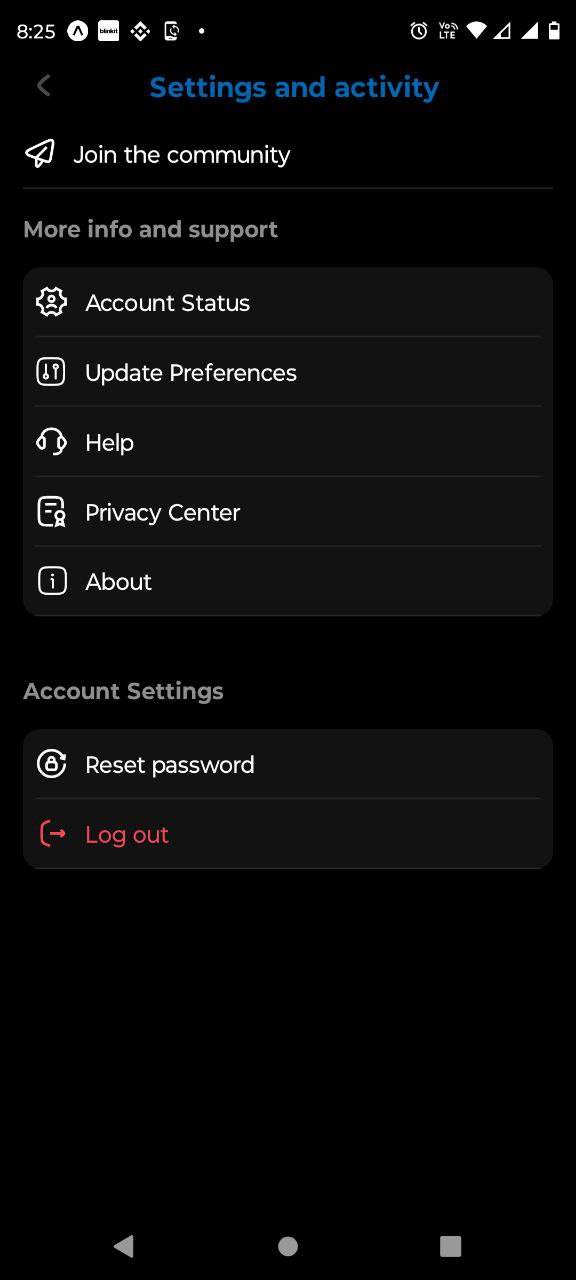
Settings and activity page
User setting and activity page
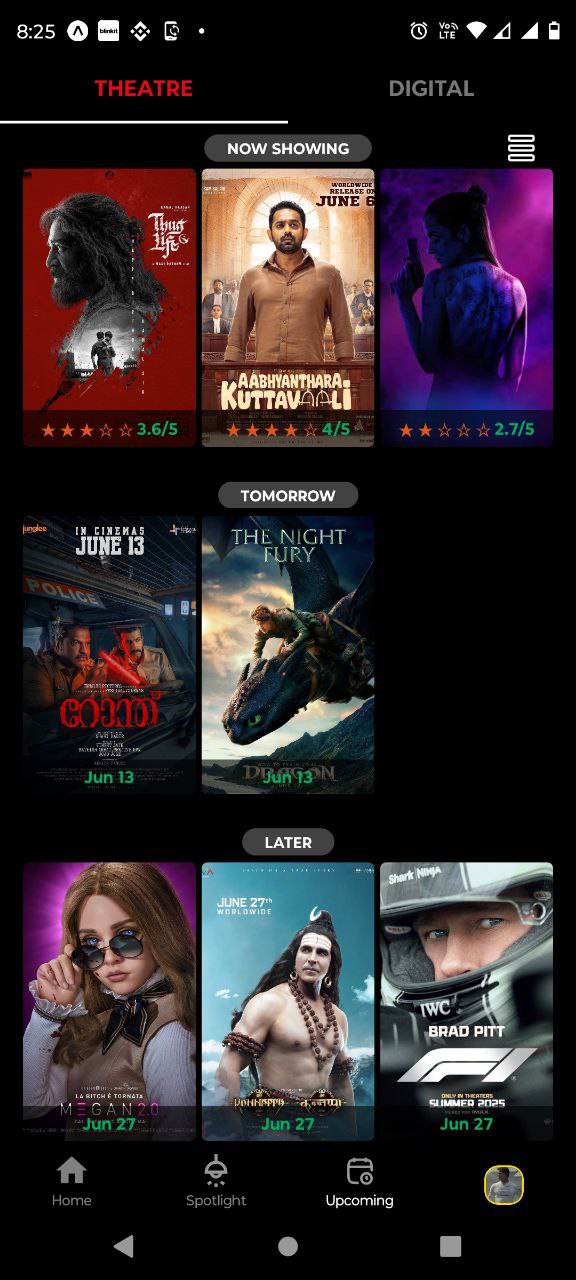
Upcoming page
Upcoming theatre and digital page
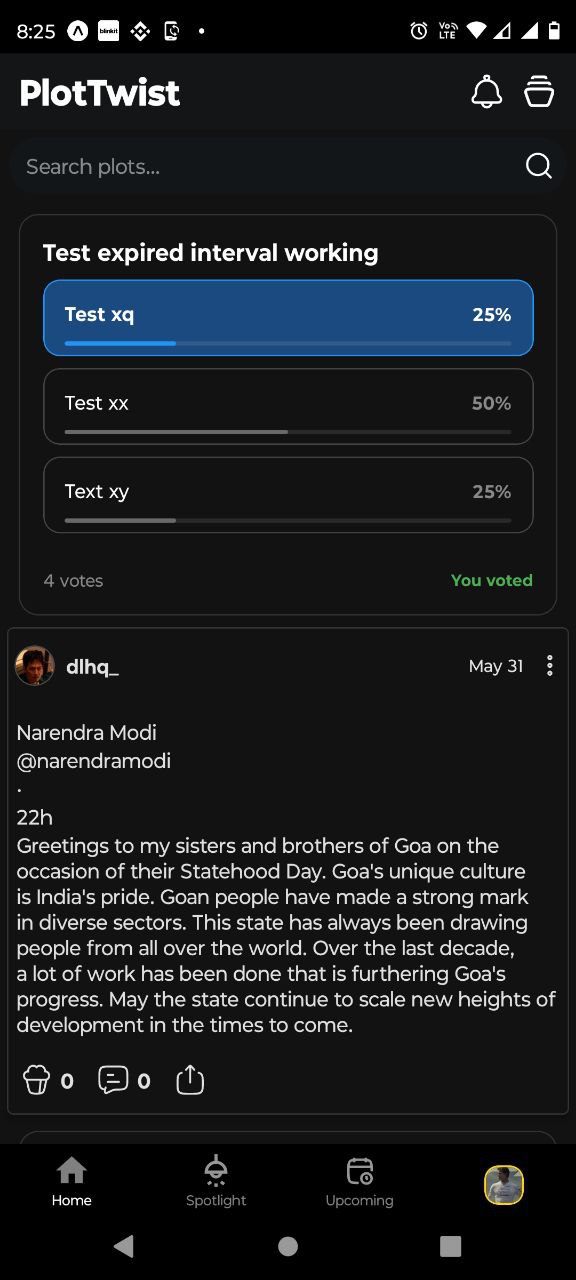
Home page
After login, home page
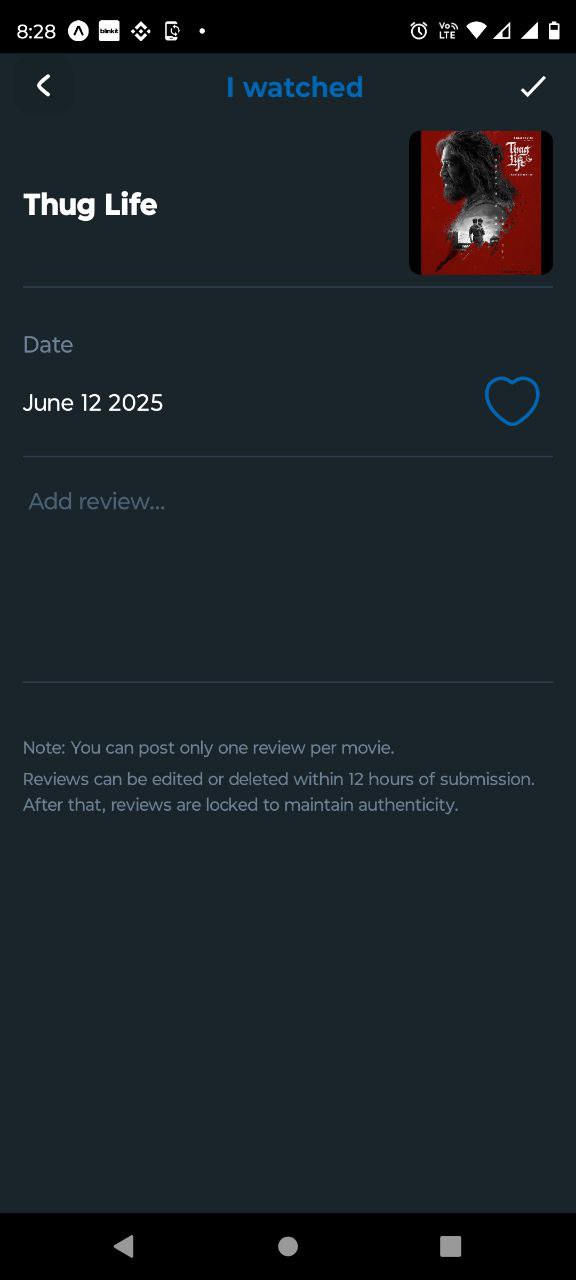
Add review page
Here is the review adding page
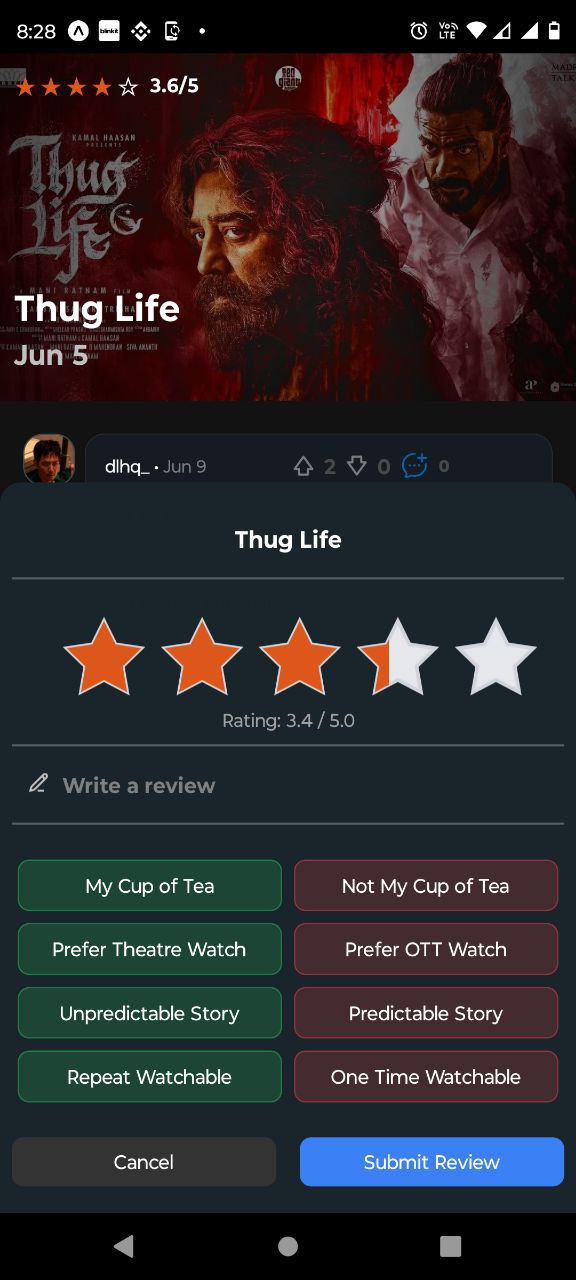
Rating sheet
Bottom rating sheet
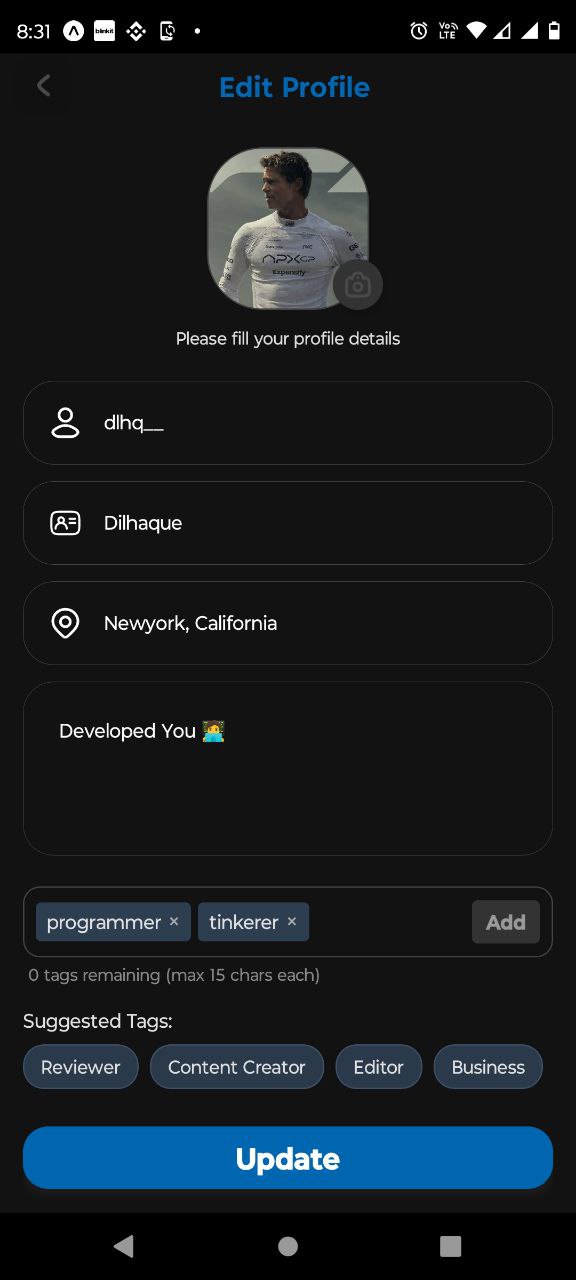
Edit Profile page
Profile edit page here
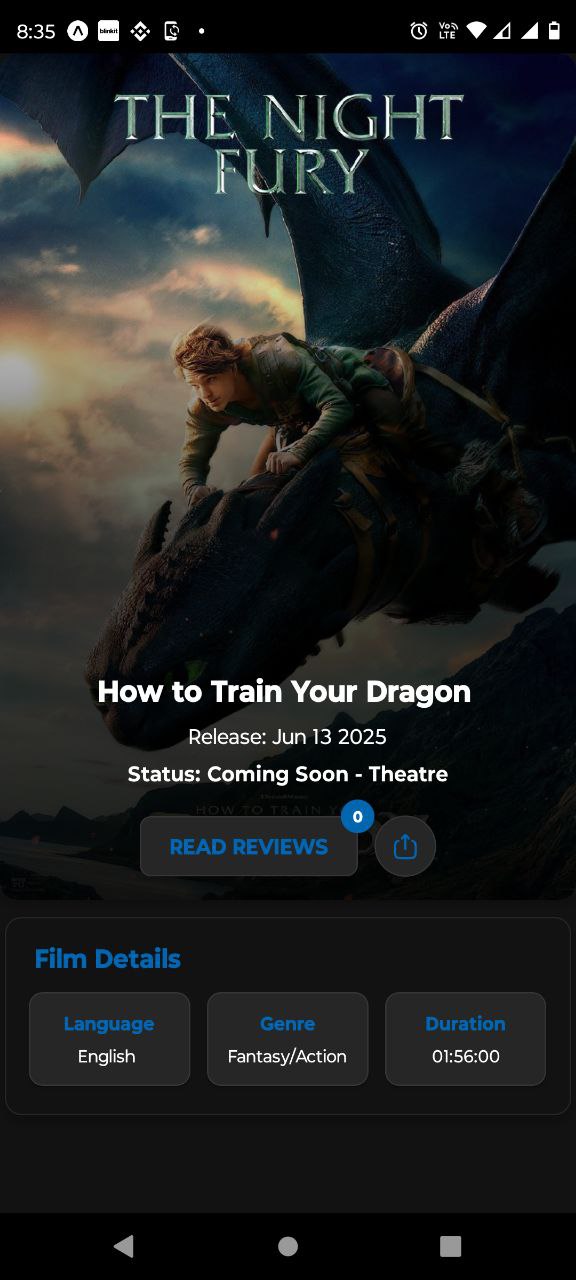
Detail page
Details displayed here
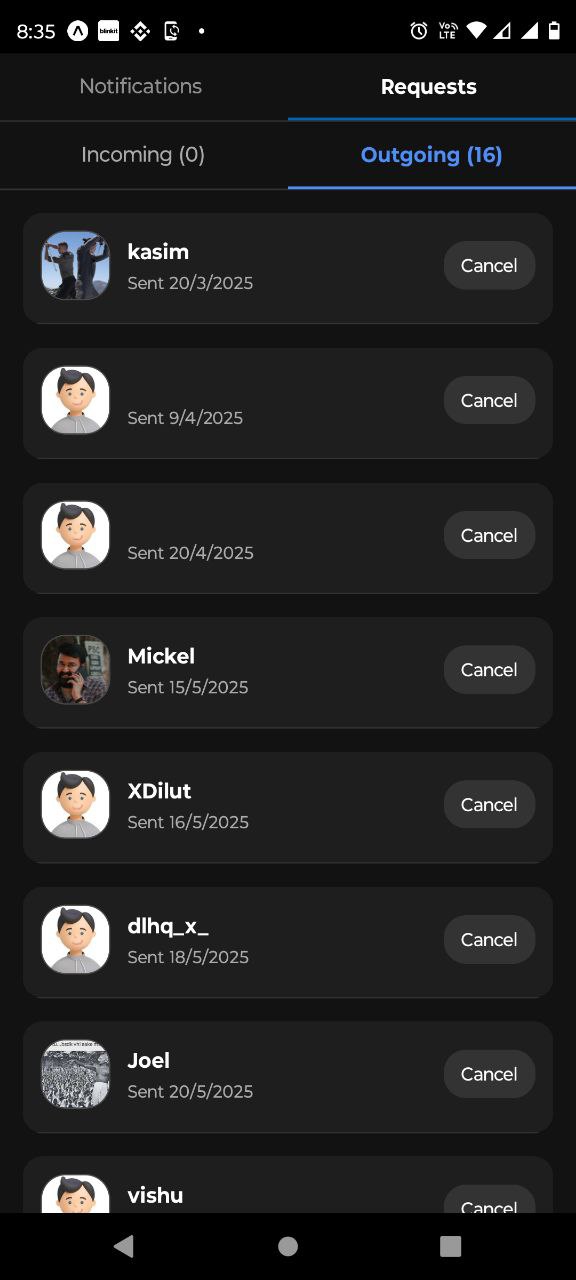
Notification page
Notification and request page
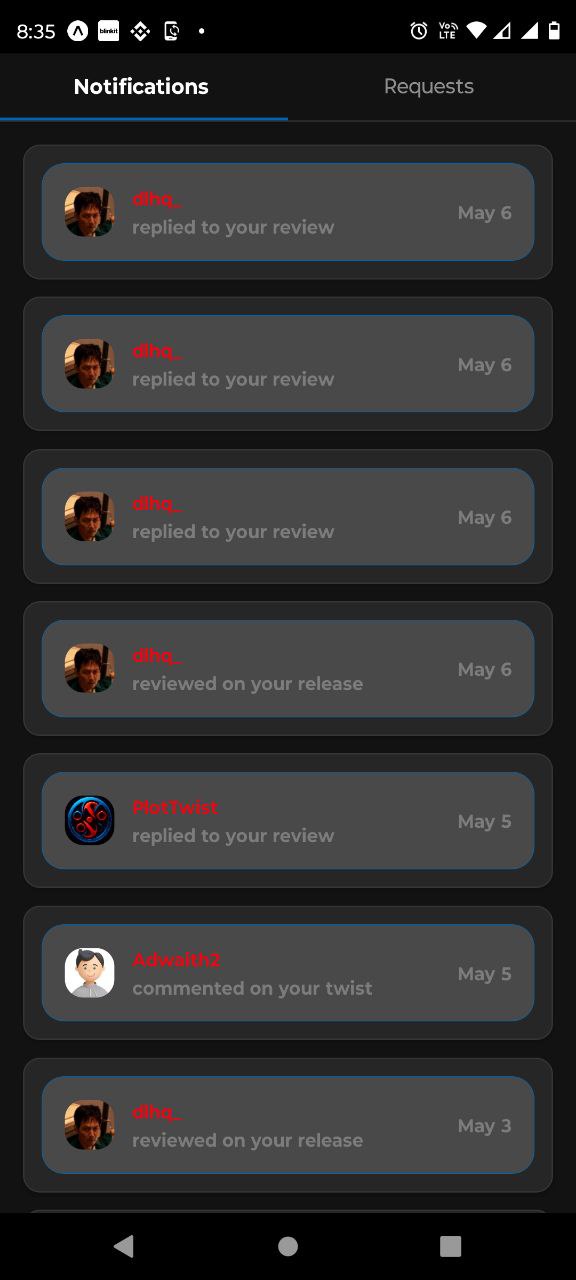
Notification page
Notifications are rendered
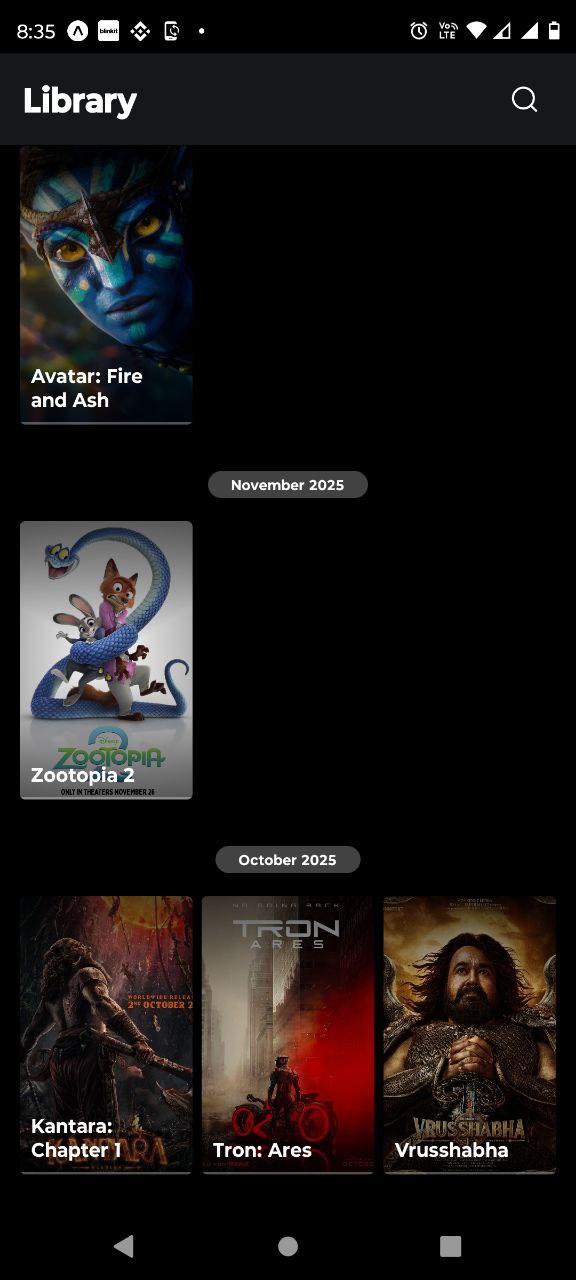
Library page
Library rendered all reviewed content
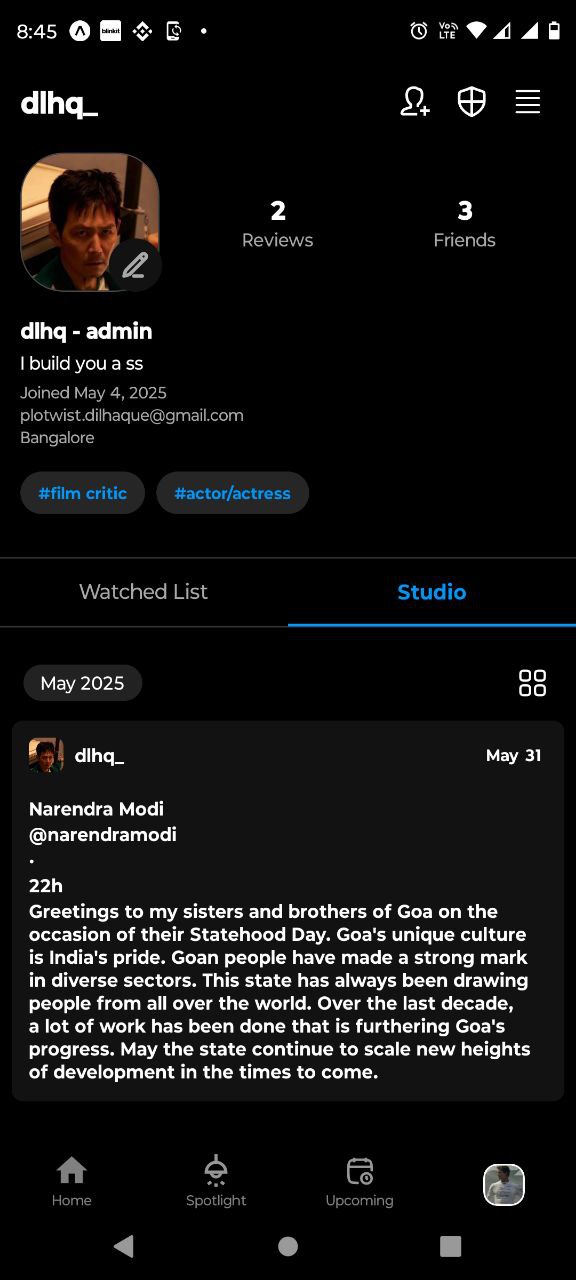
Profile page
Profile page rendered
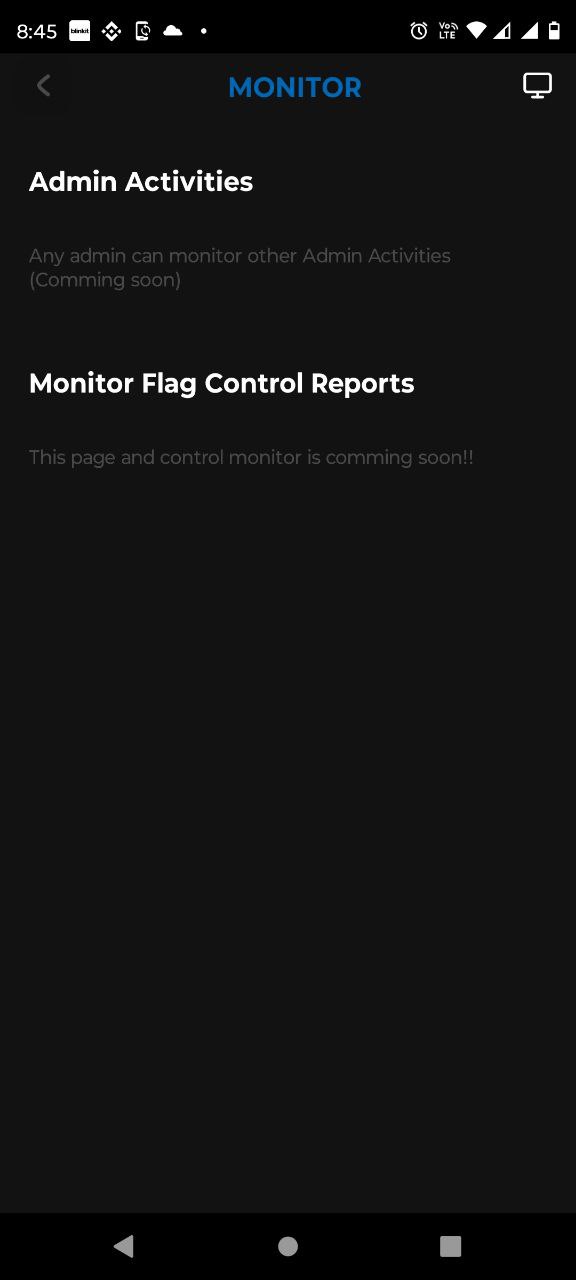
Monitor page
Content monitoring rendered
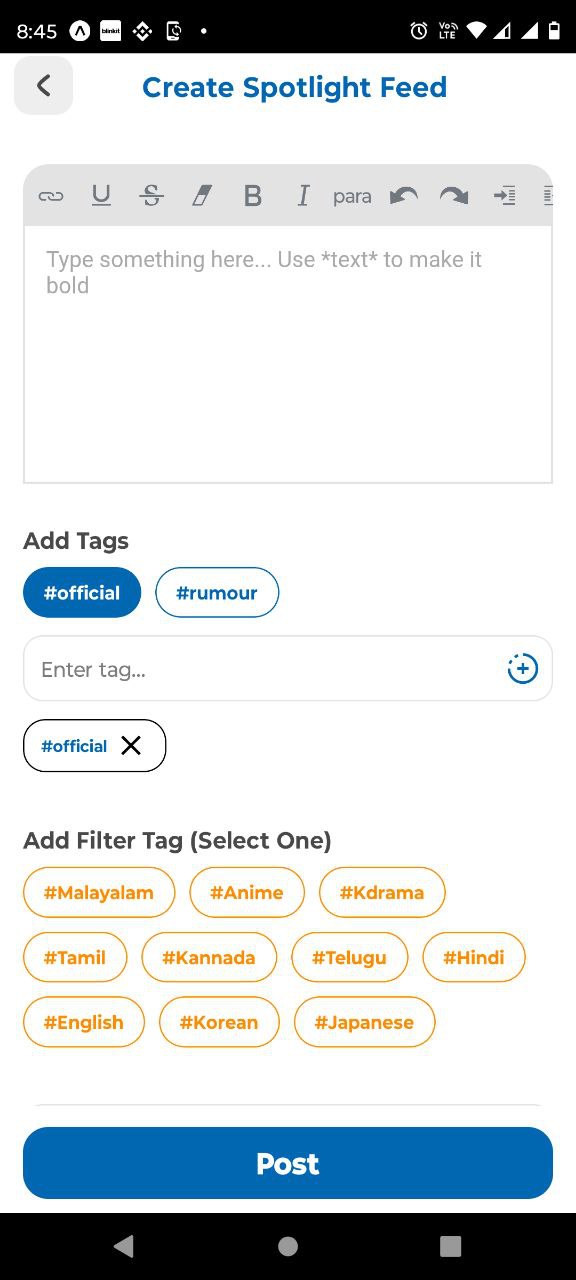
Create Feed page
Add new feeds here
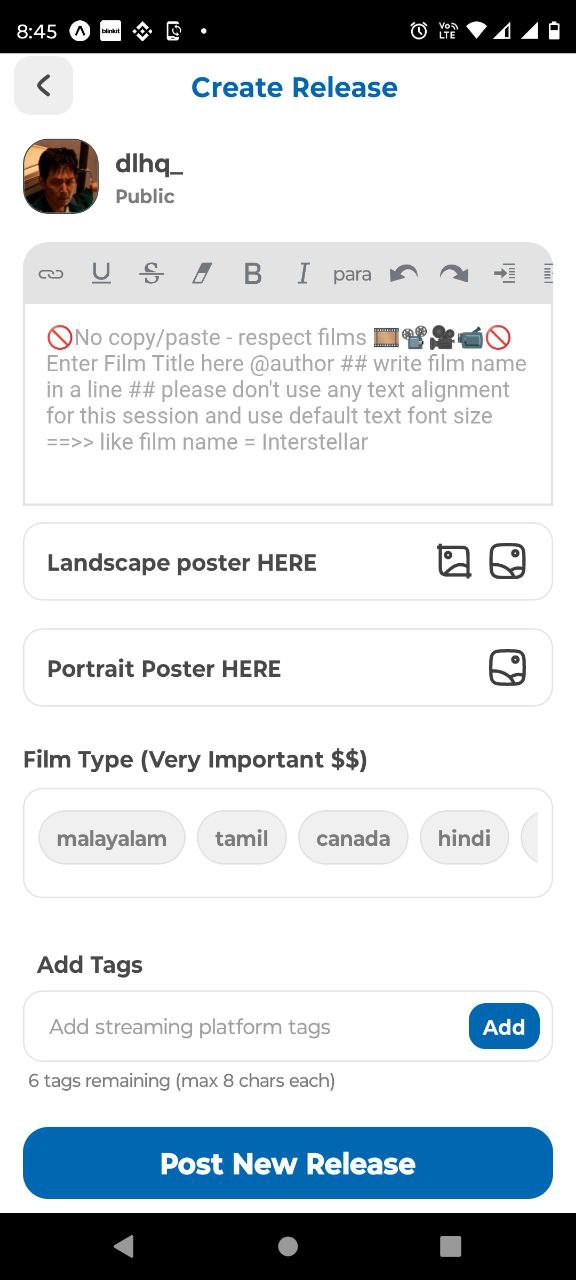
Create Release page
Add new release here
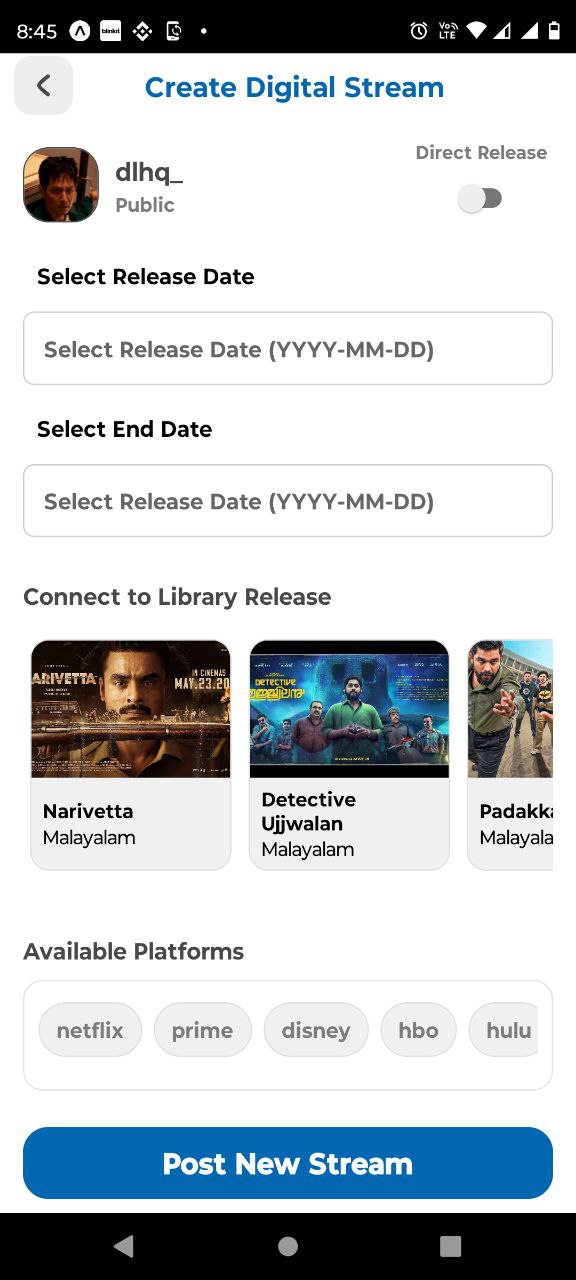
Create Digital Stream page
Add new digital stream here
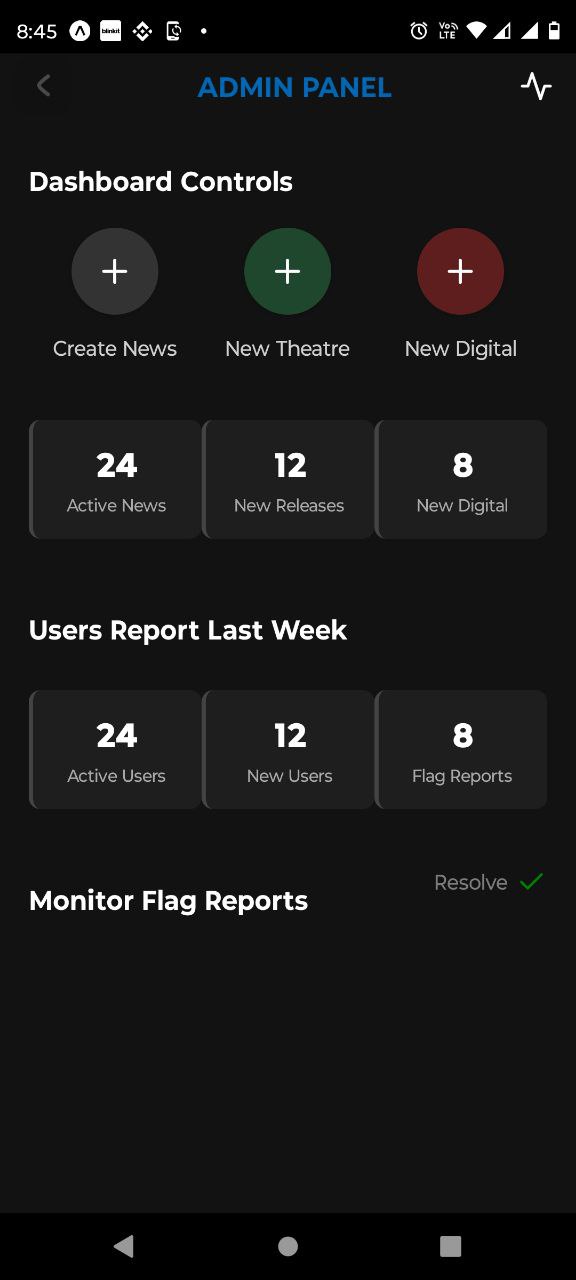
Admin Panel page
Admin panel here
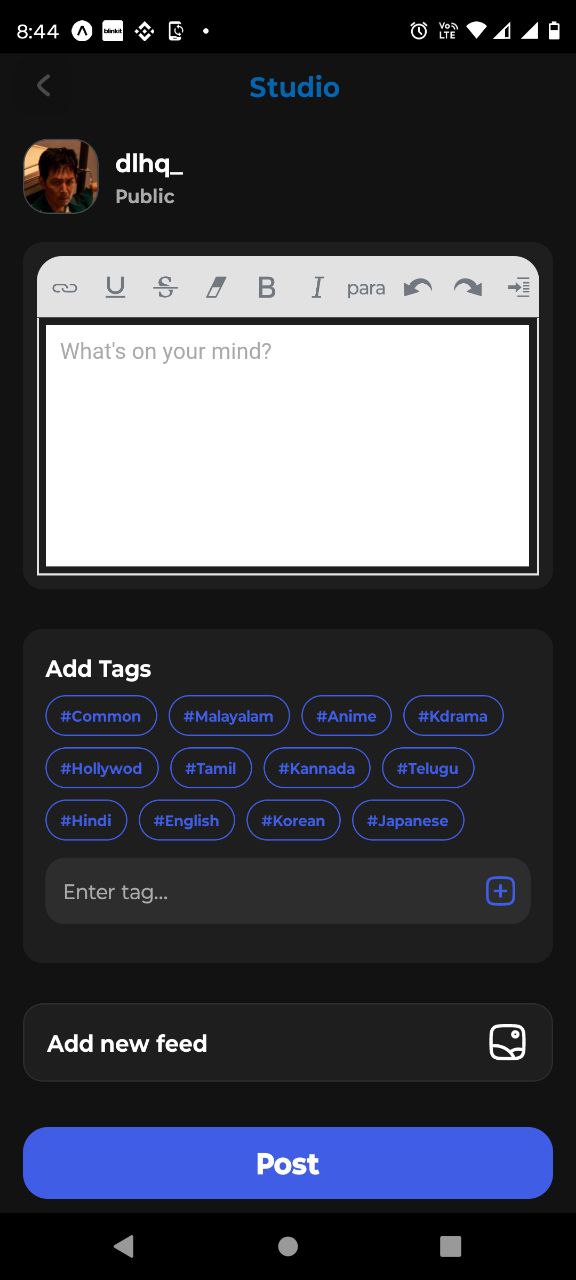
Studio page
Home Feed creation here
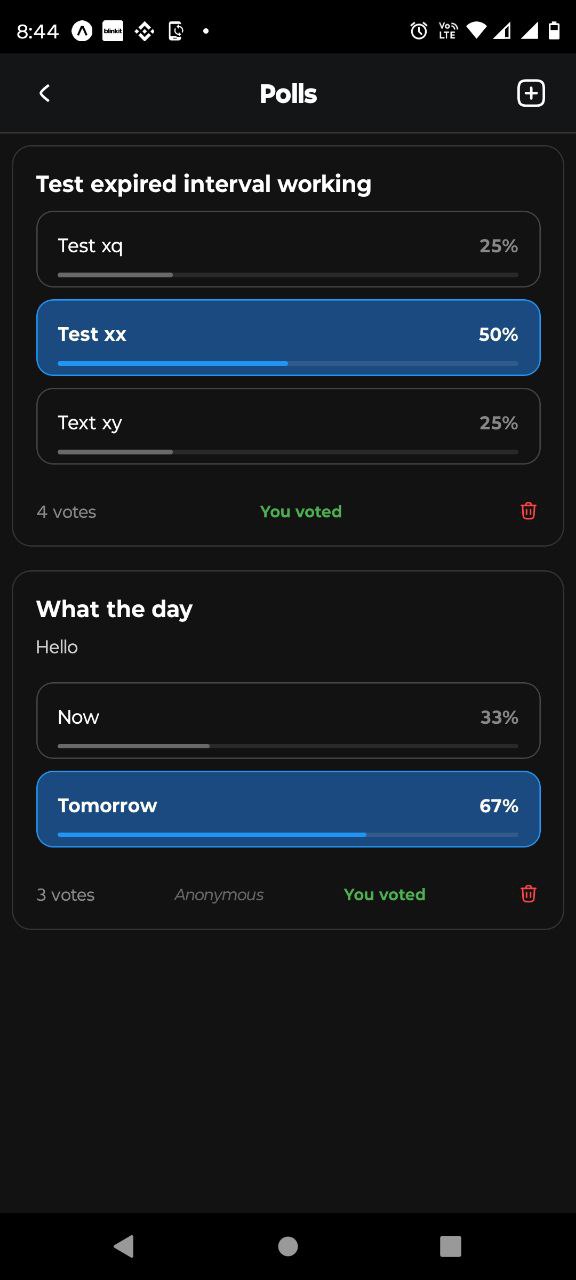
Admin Poll page
Admin Poll rendered here
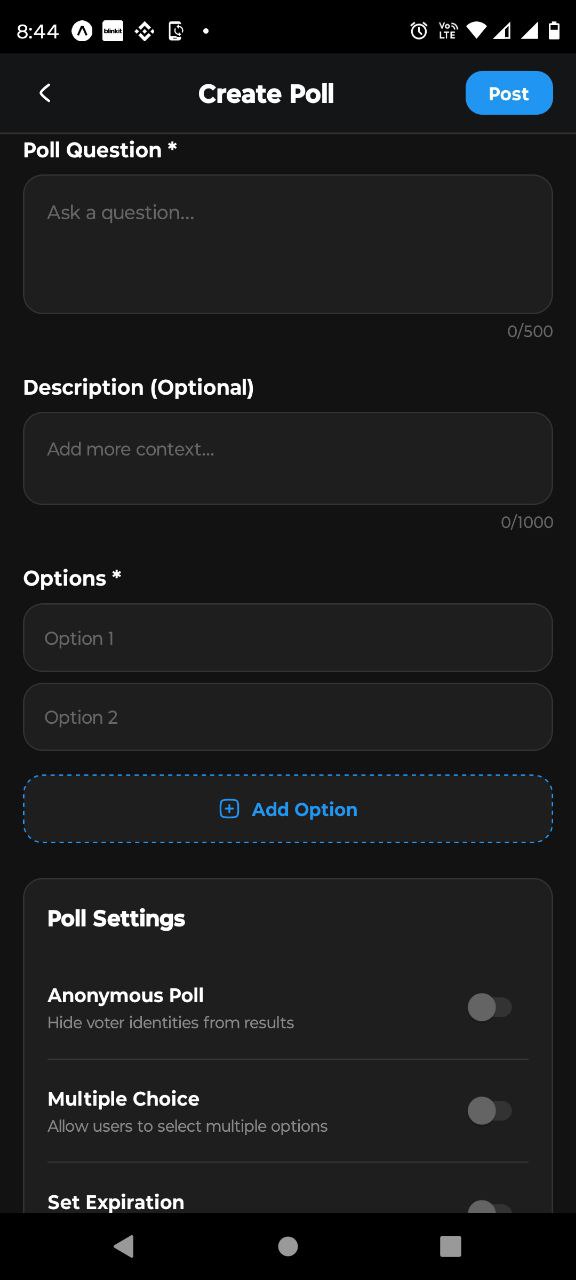
Create Poll page
Create Poll here